
Wan 2.6 turns prompts and references into consistent 1080p videos
Generate cinematic 24fps clips that stay on-model across shots. Use reference-to-video to keep the same character, product, and location, then export in the aspect ratio you need for Shorts, Reels, or YouTube.
In a hyperrealistic 8K ASMR video, a hand uses a knitted knife to slowly slice a burger made entirely of knitted wool. The satisfyingly crisp cut reveals a detailed cross-section of knitted meat, lettuce, and tomato slices. Captured in a close-up with a shallow depth of field, the scene is set against a stark, matte black surface. Cinematic lighting makes the surreal yarn textures shine with clear reflections. The focus is on the deliberate, satisfying motion and the unique, tactile materials.
Character Consistency
Keep characters stable across different scenes and actions.
drinks milk tea while doing some improvised dance moves to the music.
wearing sunglasses, is flying a plane and shouts 'We need to land immediately!'. Cut to a long shot of a plane falling from the sky.
sits on a throne and proudly declares, 'I am your queen.' Below them stands a row of little boys.
climbs into a little boy's house on Christmas, puts all the gifts from the Christmas tree into their sack, and says wickedly, 'I've stolen all your presents.'
rides a dragon while holding a magic wand.
tells a group of small monkeys the story of the Journey to the West pilgrimage, with Flower‑Fruit Mountain as the backdrop.
Multi-shot Storytelling
Generate complex sequences with consistent style and lighting.
A surreal cinematic 3D animation of a giant, ripe pomegranate rolling through Paris, from classic streets to a modern cityscape. The pomegranate dramatically cracks open, exploding into thousands of vibrant, translucent red petals. These petals magically coalesce to form a sleek red glass soda bottle standing on the street. The style is hyperrealistic with dynamic motion and vibrant, cinematic lighting. It reflects the surrounding cityscape in its glass.
In a hyperrealistic 8K ASMR video, a hand uses a knitted knife to slowly slice a burger made entirely of knitted wool. The satisfyingly crisp cut reveals a detailed cross-section of knitted meat, lettuce, and tomato slices. Captured in a close-up with a shallow depth of field, the scene is set against a stark, matte black surface. Cinematic lighting makes the surreal yarn textures shine with clear reflections. The focus is on the deliberate, satisfying motion and the unique, tactile materials.
A sleek red electric car, 'Wan,' emerges from a futuristic black box that cracks open like a car door. The car drives into a modern, Wan-branded garage with white walls and bright LED light strips. The style is clean, high-tech, and cinematic, emphasizing a cool black, white, and red color palette. It features sleek reflective surfaces and bright, futuristic lighting. The camera pulls back to reveal the car centered in the high-tech space.
A massive, derelict interstellar freighter floats silently in the dusty rings of Saturn. On its dark, flickering bridge, a single red button blinks beside a cryptic warning: 'Unknown life signal...'. The style is suspenseful sci-fi horror, characterized by immense scale, deep shadows, and an atmosphere of isolated dread. The final shot pulls back, dwarfing the ominous vessel against the vast, silent void of space.
A beaver walks around the kitchen of an apartment. He looks at the camera anxiously and says, 'Where are my nuts?' The beaver finds a box of nuts on the table and says joyfully, 'Here are my nuts!'
On a gloomy, stormy day, massive black waves charge a reef-strewn coast in an overwhelming onslaught. With thunderous force, each wave smashes against the rocks, letting out a deep, powerful 'BOOM!!' and blasting white spray several meters into the air.
What Is Wan 2.6?
Wan 2.6 is an industrial-grade generative video model built for consistency, controllability, and production workflows.

Key Features
Everything here is built to reduce re-rolls and make outputs usable in real pipelines—not just impressive demos.
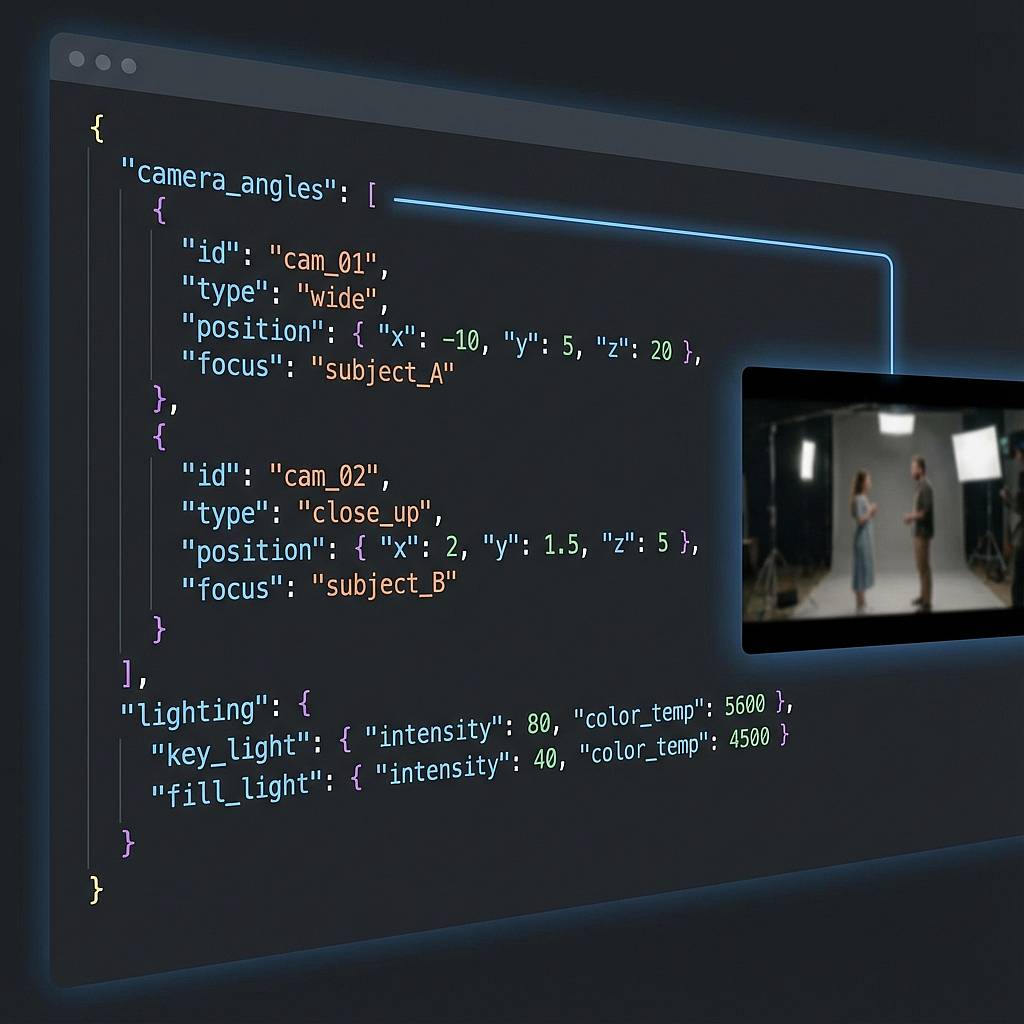
Why Choose Wan 2.6 for Production Video?
Because teams don’t need more “wow” clips—they need controllable output that survives review, iteration, and deployment.
Fewer Re-Rolls, More Usable Output
Most generative video waste comes from inconsistency: faces drift, products mutate, scenes break continuity. Wan 2.6 focuses on control so more generations pass your first internal review.
Brand-Safe Identity Control
Reference-to-video keeps the same subject recognizable across frames and shots. That’s the difference between “cool AI” and an ad your brand can actually publish.
Fast Social Content Iteration
15-second clips map directly to real distribution channels like Reels and Shorts. You can iterate creative angles quickly without booking shoots or rebuilding scenes from scratch.
Works for Ads, Training, and Creators
Wan 2.6 supports marketing-style product showcases, educational explainers, and creator skits. One model, multiple output styles—without switching tools every time the use case changes.
Multi-Aspect Deliverables
Ship the same idea in 16:9, 9:16, or 1:1 depending on the channel. That reduces editing overhead and keeps messaging consistent across platforms.
API-Ready for Real Pipelines
Wan 2.6 is designed for programmatic use, not only manual prompting. It fits async generation, queued jobs, and productized workflows where reliability matters.
How to Use Wan 2.6
A simple workflow: define the scene, add references for consistency, then generate and export. Most users get a usable first draft within a few iterations.
Write the scene prompt
Describe what happens, the camera style, and the mood in plain English. If you want multiple shots, outline them in order so the model knows when to cut and what to show. Keep actions simple for your first pass.
Add reference clips (optional)
Upload a short reference clip for the actor, product, or location you want to keep consistent. Use the reference in your prompt when describing interactions so identity stays stable. This is the step that prevents “random protagonist syndrome.”
Generate and export
Run generation, review the draft, then iterate with small prompt changes instead of rewriting everything. Once it matches your intent, export in the aspect ratio that fits your channel and share it directly or drop it into your editor.
Frequently Asked Questions
These FAQs cover the most common questions about Wan 2.6 quality, consistency, and workflow. Still unsure? Contact support.
What makes Wan 2.6 different from other AI video models?
Wan 2.6 is optimized for controllability and consistency, not only visual novelty. The headline difference is reference-to-video, which helps preserve identity across frames and shots. It also supports multi-shot structuring and native audio generation for more production-like output.
How do I keep the same character or product across scenes?
Use reference-to-video with a short reference clip of the subject you want to preserve. Then reference that subject in your prompt when describing actions and shots. This reduces identity drift and makes multi-shot storytelling viable.
Does Wan 2.6 generate audio and lip sync automatically?
Wan 2.6 can generate audio alongside video, including speech timing and environmental sound. Results depend on prompt clarity and the scene type, but the goal is to reduce manual post-sync work. For critical brand voice, you can still replace audio in post.
What video quality and formats can I export?
Wan 2.6 targets 1080p output at a cinematic 24fps look and supports common aspect ratios used by social platforms. Export options depend on the product wrapper, but the model is designed for channel-ready deliverables. If you need higher than 1080p, plan for upscaling in post.
Is Wan 2.6 good for ads and e-commerce product videos?
Yes—especially when consistency matters, like keeping a product’s shape, label, and branding stable. It works well for short product showcases and localized variations. You still need to review outputs for compliance, claims, and brand guidelines.
What are the main limitations I should expect?
Like all generative video, edge cases can still produce artifacts, strange physics, or occasional identity drift in complex scenes. Highly detailed choreography or long narratives are constrained by short clip length. The best results come from simple actions, clear prompts, and strong references.
Generate your first Wan 2.6 video in minutes
Stop betting on randomness. Use references and structured shots to get consistent, reviewable clips fast—then export for the platform you publish on.